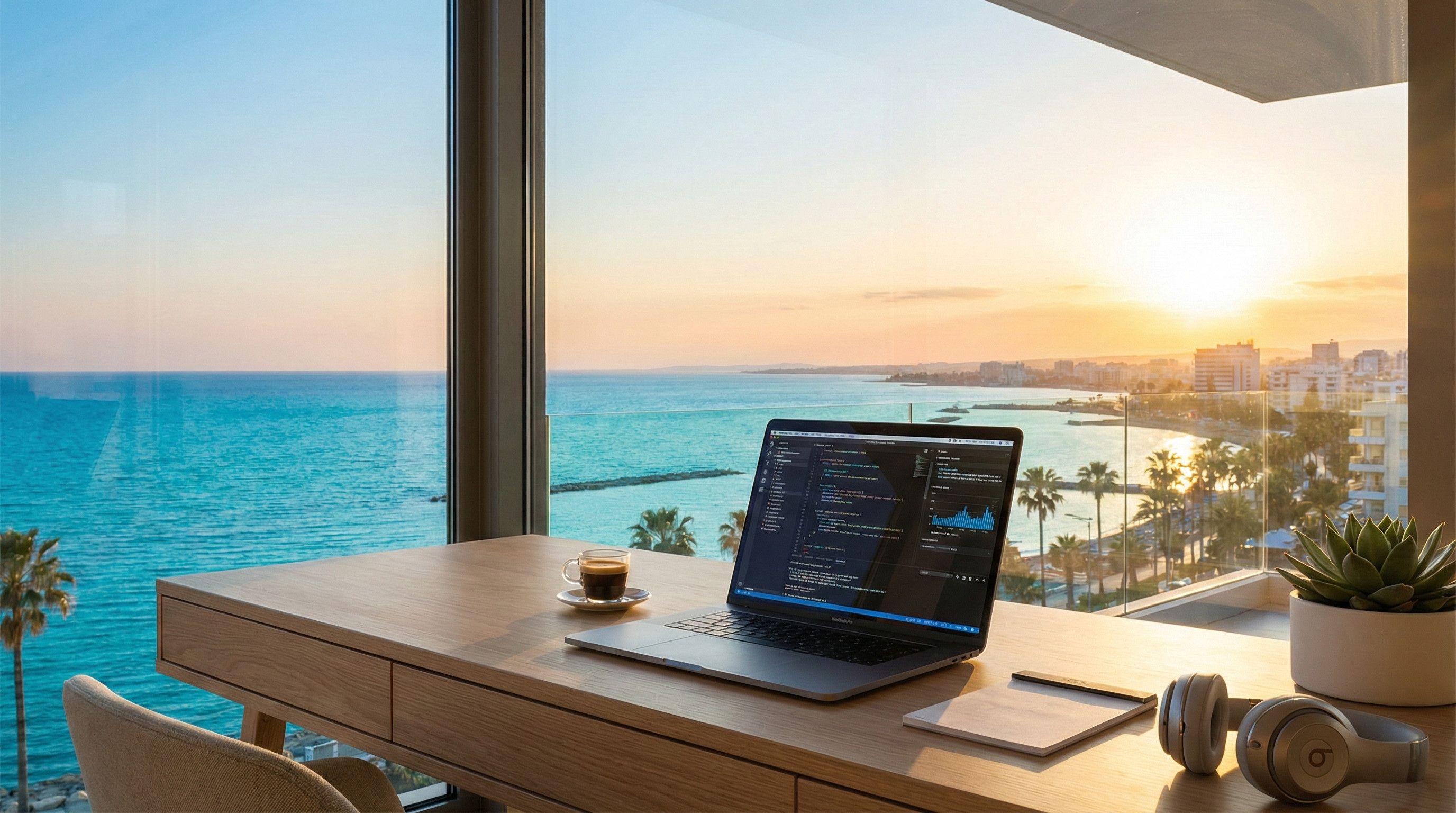
In Cyprus, a stable workflow usually depends on three independent variables: your morning coffee, a fixed broadband line, and electricity. Home internet can drop at any moment — whether due to scheduled maintenance at a substation, a damaged cable on the next street, or just bad weather. That’s exactly why a reliable internet backup Cyprus solution is no longer a luxury for remote workers; it’s an absolute necessity. Today, the optimal backup strategy is built as a standalone system, combining the right data plan, proper 5G equipment, and an independent power source. Let's break down how to assemble this setup so you never drop out of your workflow again.
Why Home Internet Fails
Even the most expensive fibre-optic plan doesn't guarantee 24/7 uptime. The reasons for an outage often lie entirely beyond your provider's control.
Provider and Fibre Outages
The island is actively upgrading its infrastructure. Fibre is being pulled into every neighborhood, roads are getting dug up, and pipes are being replaced. The flip side of this progress is the accidental damage to main lines. One clumsy move by an excavator during a sidewalk repair can leave a whole block offline for hours.
Weak Mobile Coverage
You’d think that if the Wi-Fi drops, you could just switch to a mobile network. But architecture gets in the way. The reinforced concrete walls, heavy metal structures, and thick double-glazed windows typical of local homes can severely weaken the indoor cellular signal. What works perfectly on your balcony might completely vanish in your home office.
Power Cuts
Blackouts happen. They can be triggered by scheduled grid maintenance, local faults, or severe weather conditions. When the power goes out, your optical terminal and home router shut down. Your house gets completely cut off from the web, even if the provider's cable is intact.

Internet Backup Options
There are three main ways to create a redundant channel. The choice depends entirely on your needs and budget.
Smartphone Hotspot
The simplest, zero-cost method. You just turn on Wi-Fi tethering on your phone and keep working. This is fine for checking emails or doing a quick search. But for serious remote work, it’s a weak solution: your smartphone battery will drain rapidly, the device will overheat, and incoming calls can interrupt your data transmission.
Portable 4G or 5G Router
These compact, battery-powered devices are widely known as Mi-Fi. You pop a dedicated SIM card internet Cyprus package into one, and it broadcasts a Wi-Fi network. They are great for taking to a cafe or on a trip. The main downside is that their built-in antennas are usually quite weak, limiting the Wi-Fi range to a single room.
Fixed 5G Home Router
This is the ultimate solution for a permanent backup. A dedicated 5G router Cyprus device runs off the mains, features powerful antennas to catch the cellular signal, and broadcasts strong Wi-Fi. You can connect your devices to it directly via an Ethernet cable. With a good signal, this equipment can easily provide a stable connection for video calls, remote work, and most daily tasks.
Choosing a SIM Card
There are four main mobile operators on the local market worth considering for your redundant setup: Cyta, Epic, Primetel, and Cablenet. Assuming they all sell the exact same product would be a mistake.
Cyprus SIM Providers: Cyta, Epic, Primetel, Cablenet
- Cyta: With this provider, you need to distinguish between two services. The first is Mobile Internet Home, which provides a specific router locked to your residential address. The second is Mobile Broadband. Using this second option with a compatible router or modem is a much better fit for creating a flexible backup system.
- Epic: An excellent candidate for a backup. Their Home & Go Internet explicitly allows you to take a SIM card internet Cyprus plan and put it into any compatible Wi-Fi router. For a flat monthly fee, you get a solid data allowance (like 100 GB), which is more than enough for emergencies.
- Primetel: Offers flexible solutions. You can use any compatible 5G device and pair it with a suitable data plan. They have prepaid options and massive data bundles (up to 250 GB or 1000 GB), making it easy to pay only for the volume you actually need.
- Cablenet: The company is actively expanding its network and offers 5G Unlimited plans. They don’t intentionally throttle speeds, making their network a fantastic match for certified, compatible 5G equipment. Just keep an eye on their fair usage policies.
SIM Card Coverage at Your Address
A coverage map on an operator’s website only shows potential availability. When configuring an internet backup Cyprus setup, it is absolutely critical to check the actual signal inside your workspace. Distance from the cell tower, local terrain, floor level, and window placement all impact reception quality. Before buying an expensive 5G router Cyprus model, borrow a few different SIM cards from friends and test them in the exact room where you plan to work.
Prepaid SIM Cards and Contract Plans
You don't always need to sign a long contract. Many people prefer prepaid setups, topping up only when they anticipate needing the data. However, if you require a constant safety net, look into affordable monthly contracts.
Data Limits for a Cyprus SIM Card
Always double-check the fine print on "unlimited" plans. Operators often enforce a Fair Use Policy (FUP), specific device requirements, or hidden caps. Before relying on a SIM card internet Cyprus connection, find out if there are hard traffic limits and whether your speed will drop drastically after you hit a certain download threshold.
Choosing and Positioning a Router
The right hardware solves half your signal problems.
4G Versus 5G Equipment
Basic 4G routers are cheap and handle light tasks well. But if your job involves moving heavy files, 5G equipment can potentially deliver significantly higher speeds. Naturally, the actual result will depend on local coverage, real-time tower congestion, and the router's own specs.
External Antennas and Signal Strength
To minimize interference from thick walls, place the router near a window facing the nearest cell tower. Some models support external antennas. Mounting an antenna on your balcony or facade can drastically improve your reception.
Dual SIM Cards and Automatic Failover
Modern routers can take internet via cable while keeping a cellular connection on hot standby. If the primary provider fails, the router automatically reroutes traffic to the mobile network. The actual failover time depends on your hardware and settings: sometimes it happens seamlessly, while other times you might need to refresh your browser page.
How to Configure a SIM Card in a 5G Router
Basic setup usually involves just a few simple steps:
- Insert the active SIM card internet Cyprus into the powered-off router.
- Turn the device on and access the admin panel (typically via 192.168.1.1 or 192.168.8.1).
- Verify that the router supports your operator's required LTE/5G bands.
- Check the APN settings (these usually auto-populate, but sometimes you have to enter them manually based on provider instructions).
- Enable automatic network selection.
- Confirm your internet connection status and IP address assignment.
- Run a Speedtest to ensure data flows smoothly over both Wi-Fi and the Ethernet cable.
Keeping Equipment Online During a Power Cut
Even a perfectly configured failover is useless if your house has no power. Your gear needs an independent energy source.
Phone and Laptop Power Banks
To keep your laptop alive, a power bank with Power Delivery (PD) rated at 65W or higher is a great asset. But a standard power bank won't work for a router. A router needs a power source matching its specific voltage (usually 9V or 12V) and the correct barrel connector.
DC UPS for Routers
These are compact units with lithium batteries that sit between your wall outlet and the router. If the voltage drops or the power cuts completely, a DC UPS instantly keeps your device running. Total battery life depends on the UPS capacity and the power draw of your connected gear. Before buying, calculate the estimated runtime for your specific router and optical terminal (ONT) combo.
Portable Power Stations
A portable power station (featuring standard 220V AC outlets) is incredibly convenient if you need to power not just your internet setup, but also your work laptop, an external monitor, or a desk lamp during a blackout.
Testing the Backup Connection
You absolutely must test your system in a real-world scenario before an actual emergency strikes.
Testing the Cyprus SIM Connection Speed
When you run a speed test, don't just look at the megabits per second. For smooth video conferencing on Zoom or Teams, metrics like latency, jitter, and packet loss are critical. These are the numbers that determine whether your audio will sync properly with your video.
Testing Automatic Switching
Check how long it takes your system to restore the connection when you physically unplug the main optical cable. Does your current active work session drop? It's highly recommended to test the failover process a few times, including during an active video call, to fully understand how your network behaves.

Backup Setups for Different Users
Basic Home Use with a SIM Card
If you only need the web in the evenings for messaging and streaming video, complex setups are overkill. A smartphone with a generous data allowance or a cheap portable router kept charged in a drawer will do the trick perfectly.
Remote Work and Online Meetings
For IT professionals and managers, compromises cost money. The optimal setup here is a stationary 5G router Cyprus unit loaded with a tested SIM card internet Cyprus data plan, all powered through a DC UPS. A neighborhood power cut shouldn't abruptly end your workflow.
Security Cameras and Smart Homes
Security systems, leak detectors, and smart locks turn into useless plastic without network access. A seamless redundant channel is strictly mandatory for them. If you are currently browsing the best home options in Cyprus, it's worth evaluating the infrastructure of specific residential complexes. Modern developers increasingly incorporate backup generators for shared systems, making it much easier to maintain your own internet backup Cyprus system.
Security and Cost Control
Passwords and Device Limits
Your backup Wi-Fi network must use modern encryption — such as WPA3, or WPA2 if the newer standard isn't supported by your devices. Leaving the network open guarantees that neighboring gadgets will connect and quickly drain your data allowance.
Preventing Unexpected Data Charges
Your computer doesn't magically know that the primary provider is down. Once connected to the backup Wi-Fi, it might happily start downloading gigabytes of system updates or syncing heavy cloud drives. To avoid this, mark the backup network as a "Metered connection" in Windows, or enable "Low Data Mode" for that specific Wi-Fi network on macOS. This will pause heavy background downloads and save your precious mobile data for the work tasks that actually matter.